Simplify your finances with automated expense tracking
 admin4361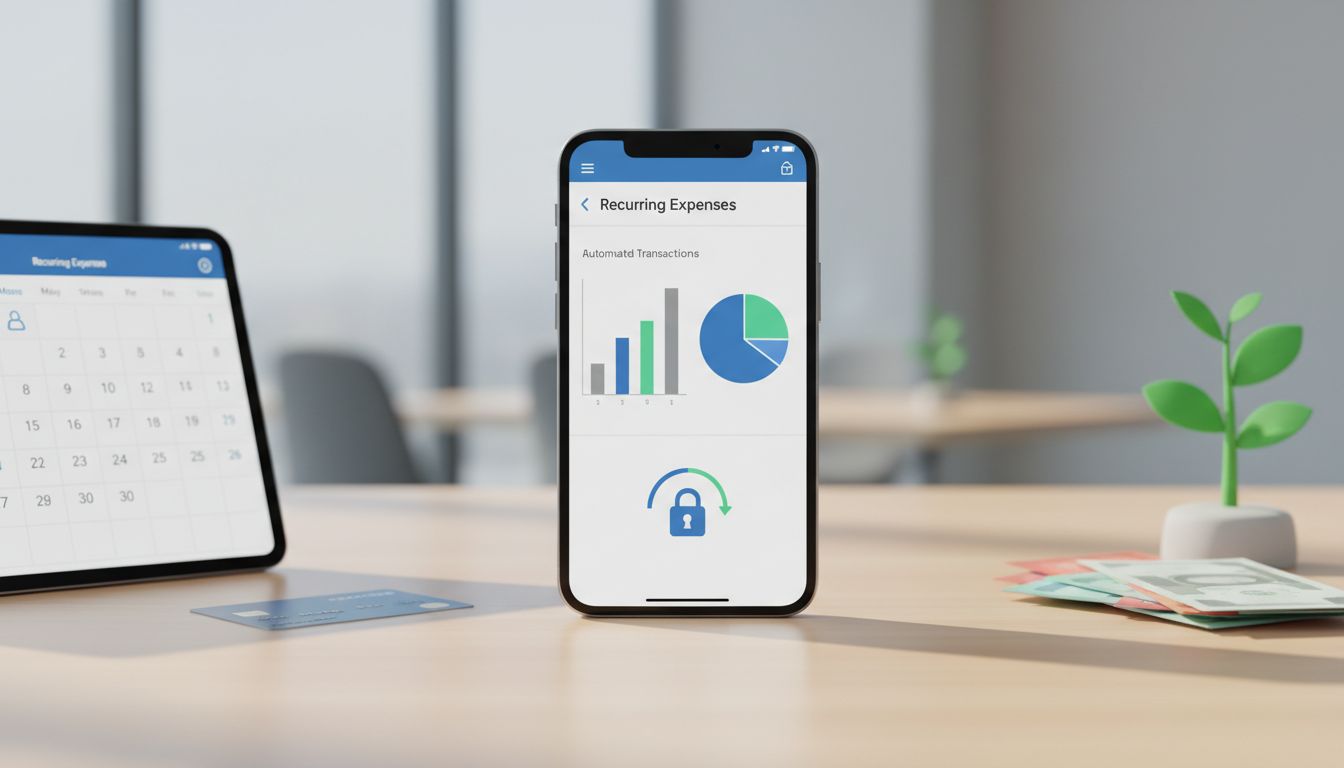
Automated expense tracking is one of the fastest ways to simplify your finances because it replaces repetitive, error-prone tasks, typing receipts, hunting for transactions, and building reports, with workflows that run in the background. Instead of “doing your money” in one big stressful session, you let your tools collect data continuously and present it in a clean, searchable timeline.
What’s changed in the last few years is the ecosystem: better bank connections, more sophisticated categorization, and receipt scanning that actually understands what it sees. From small-business accounting platforms to consumer budgeting apps, automation is now designed to reduce manual entry while improving the accuracy and usefulness of your spending data.
1) What automated expense tracking really means (and why it matters)
Automated expense tracking typically combines three capabilities: importing transactions from banks/cards, categorizing those transactions, and attaching proof (like receipts) to the right purchases. When these pieces work together, your records become “audit-ready” by default, organized, searchable, and consistently updated.
This matters for everyday budgeting, but it’s especially valuable for business owners and freelancers who need reliable records. The IRS emphasizes recordkeeping as a core part of running a business (see IRS Publication 583, revised Dec 2024 and reviewed Jan 23, 2026), and it also spells out what you need to substantiate expenses (IRS Publication 463 (2024)). Automation doesn’t change the requirements, it makes them easier to meet.
Beyond compliance, the practical benefit is decision-making. When your spending is categorized and current, you can spot leaks (like forgotten subscriptions), understand true costs, and make adjustments before the month is over rather than after.
2) Automated imports: your expenses arrive without manual data entry
The foundation of automation is transaction aggregation, secure connections that pull in bank and credit-card activity. Many modern tools are designed so transactions appear as they happen, letting you review and adjust rather than start from scratch at month-end.
QuickBooks, for example, describes connecting bank and credit-card accounts to automatically import and categorize expenses, while still letting you approve or edit entries and create custom rules. That “human-in-the-loop” design is important: you get speed without giving up control.
Platform changes are expanding what can be imported automatically. In the Apple ecosystem, iOS 17.4 (Mar 5, 2024) enabled budgeting apps to access Apple Card, Apple Cash, and Savings data for automatic tracking, an example of how operating-system level updates can unlock more complete spend visibility.
3) Receipt capture: from photos to matched transactions
Receipts are often the biggest friction point because they’re easy to lose and time-consuming to transcribe. Automated receipt capture solves this by turning a quick snap (or forward) into structured data that can be stored, searched, and reconciled.
QuickBooks notes that its mobile receipt capture can “automatically match” receipt information to an existing transaction, reducing manual entry and helping ensure your expense has supporting documentation in the right place.
Expensify’s SmartScan is another clear example: it uses OCR to pull key fields like merchant, date, and amount automatically, and it supports receipt ingestion by photo, email, or SMS. For busy teams (or solo operators), that flexibility makes it far more likely receipts get captured at the moment the expense happens.
4) Auto-categorization gets smarter: rules + improving taxonomies
Categorization is where raw transactions become insight. The best systems combine automatic suggestions with rules you can customize, so your preferences (like treating “Amazon” as “Office Supplies” instead of “Shopping”) are applied consistently.
QuickBooks highlights rules-based categorization and reporting that helps you “see how you spend every dollar,” and it also emphasizes that you can create custom rules and approve/edit results. Monarch Money similarly states it auto-categorizes transactions as they arrive and lets you build rules to auto-rename, recategorize, tag, hide, and more, classic “set-and-forget” automation once you’ve tuned it.
Under the hood, data providers are also improving the categorization layer itself. Plaid announced AI-enhanced categorization (Dec 3, 2025) claiming up to 10% higher primary-category accuracy and 20% higher sub-category accuracy, and its Dec 2025 documentation describes PFCv2 with more granular categories and broadly rolling accuracy improvements. The takeaway: automated expense tracking tends to get more reliable over time as the ecosystem’s models and taxonomies evolve.
5) Matching, reconciliation, and “closing the loop” automatically
Automation becomes truly valuable when it closes the loop, linking a receipt to the correct transaction, placing that transaction in the right category, and making it ready for reports or reimbursement. That’s how you reduce errors like duplicates, missing receipts, or misclassified spending.
Expensify states that scanned receipts can be automatically turned into expenses, matched to card transactions, and filed to the right report. In other words, the system doesn’t just read receipts, it routes them into the workflow where they’re needed.
QuickBooks’ receipt-to-transaction matching supports the same principle in an accounting context, helping reconciliation happen faster because proof and payment are connected. There are also ecosystem add-ons: a QuickBooks App Store listing (May 8, 2025) for an “AI Bookkeeper” app claims automated receipt detail extraction and syncing into QuickBooks for reconciliation, an example of how automation can be layered into existing processes.
6) Monitoring spend automatically: recurring charges, alerts, and projections
Tracking is only half the job; the other half is monitoring, catching patterns and anomalies early. Automated tools increasingly focus on recurring expenses, bill detection, and notifications so you can review changes before they become a problem.
Monarch Money notes that recurring-expense tracking can trigger notifications and reviews. That’s particularly useful for subscriptions that quietly increase, duplicate services, or annual renewals that break your monthly plan.
On the consumer side, broader app coverage is also improving. Kiplinger’s “Best budgeting apps for 2025” highlights a trend toward secure bank connections, spending tracking, and projections, signaling that automated insights (not just automated imports) are becoming the baseline expectation.
7) Reporting that’s ready when you need it (PDF/CSV, taxes, reimbursements)
Once transactions and receipts are captured and categorized, reporting becomes a push-button task rather than a spreadsheet project. This can support everything from monthly budgeting reviews to client billing, expense reimbursements, and tax preparation.
Some tools are purpose-built for “capture-to-report” workflows. For example, the Smart Receipts app listing describes receipt scanning and categorization with PDF/CSV report generation, useful for individuals, contractors, and travelers who need shareable summaries without complex accounting software.
For businesses, good reporting also supports compliance. IRS Publication 463 (2024) explains what records you need to prove expenses, and automated systems help by keeping receipt images, dates, amounts, and categories organized together, so you’re not reconstructing documentation under deadline pressure.
8) Security and privacy: how to automate without giving up control
Automating your finances requires trust: you’re connecting accounts and storing sensitive transactions and documents. The best approach is to choose tools that clearly describe how data is used, what is shared, and what controls you have.
Monarch Money, for example, makes AI/privacy claims that include not training third-party models on your personal data, using anonymization, and limiting data sharing to specific tasks. Whether or not you choose Monarch, this is the kind of specificity you should look for, especially when features are labeled “AI-powered.”
Practically, you can reduce risk by enabling multi-factor authentication, reviewing connected accounts periodically, and keeping a clear boundary between personal and business spending (separate cards/accounts). Automation works best when your financial structure is clean.
Automated expense tracking is no longer just a convenience feature, it’s quickly becoming the default way people maintain accurate, up-to-date financial records. Adoption has been strong for years (Plaid reported in 2022 that 88% of US consumers were using technology to manage their finances), and investment continues: one market sizing signal (Oct 27, 2025) projects the AI-driven expense report automation market could reach $4.77B by 2029 (CAGR 14.1%).
If you want to simplify your finances, start with one automation: connect accounts for auto-import, then add rules-based categorization, then layer in receipt capture and matching. With those pieces in place, you’ll spend less time on manual entry and more time using clear reports to make better decisions, month after month.